PixelPair screenshot gallery
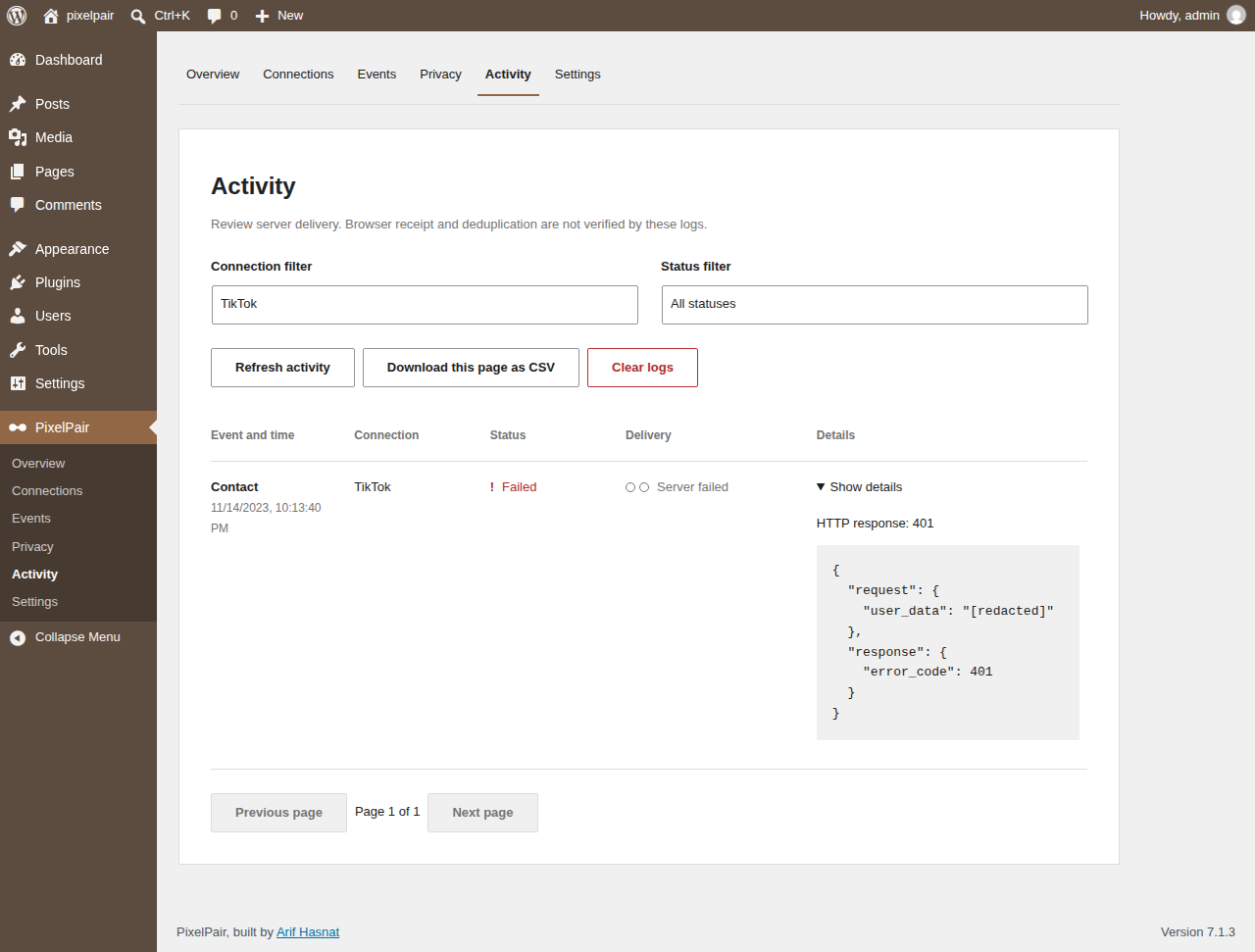
These screenshots show a disposable demonstration site at 1280 pixels, plus a 782-pixel Overview. IDs and outcomes are examples. Light and Coffee accents come from WordPress admin color schemes. No live credentials or customer records are shown.
Read the guides for instructions. Expand a screen below to view its image.
Overview
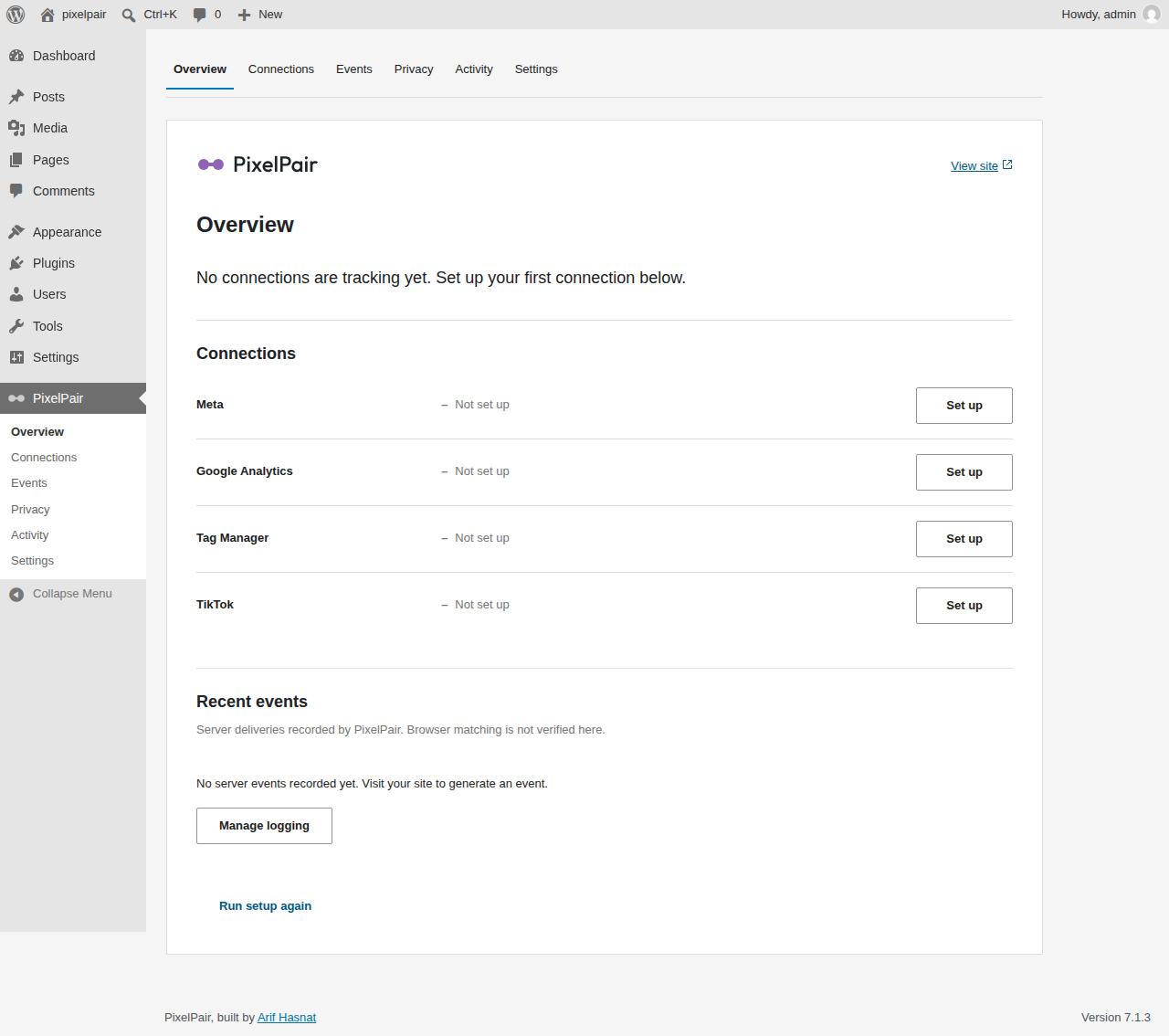
Connections
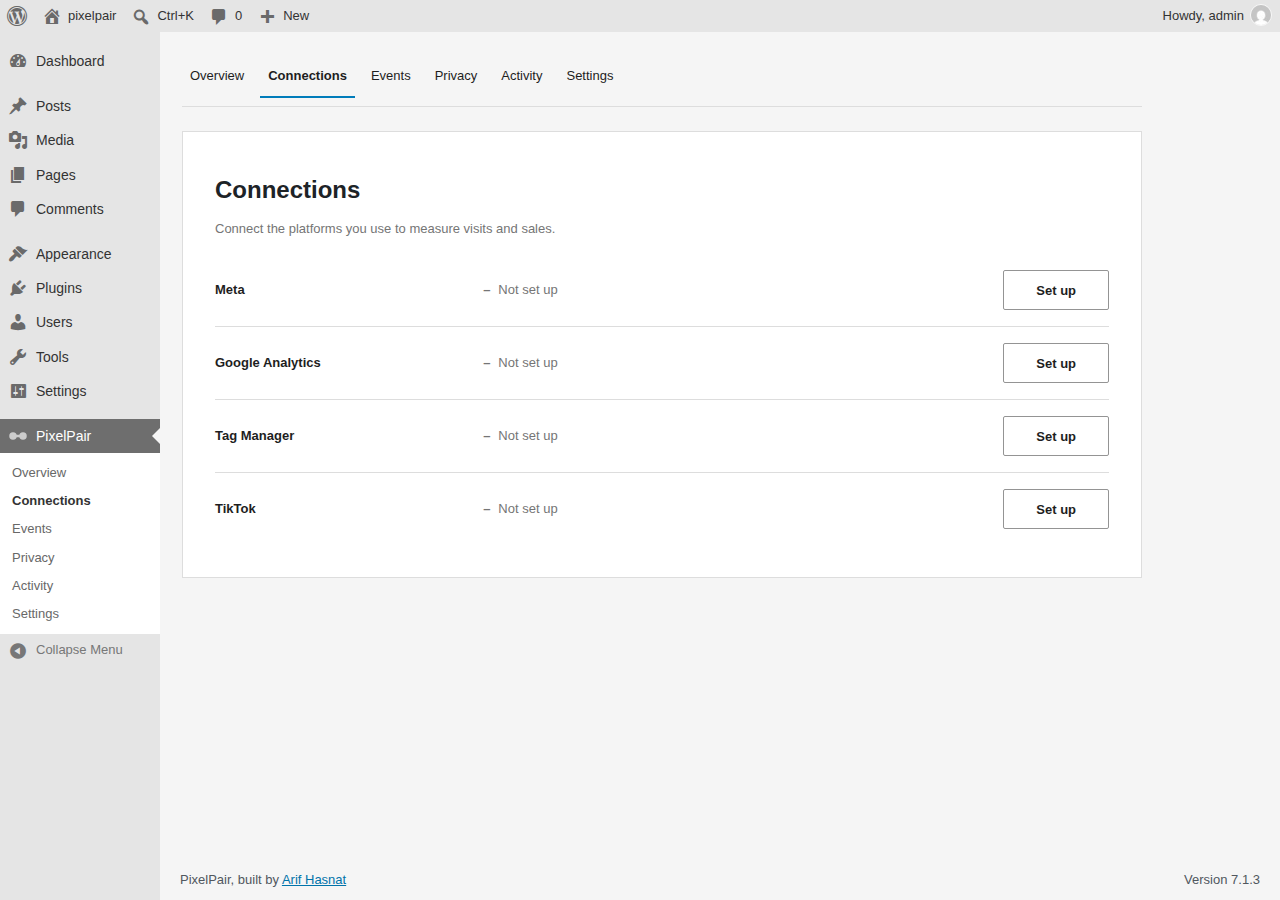
Meta
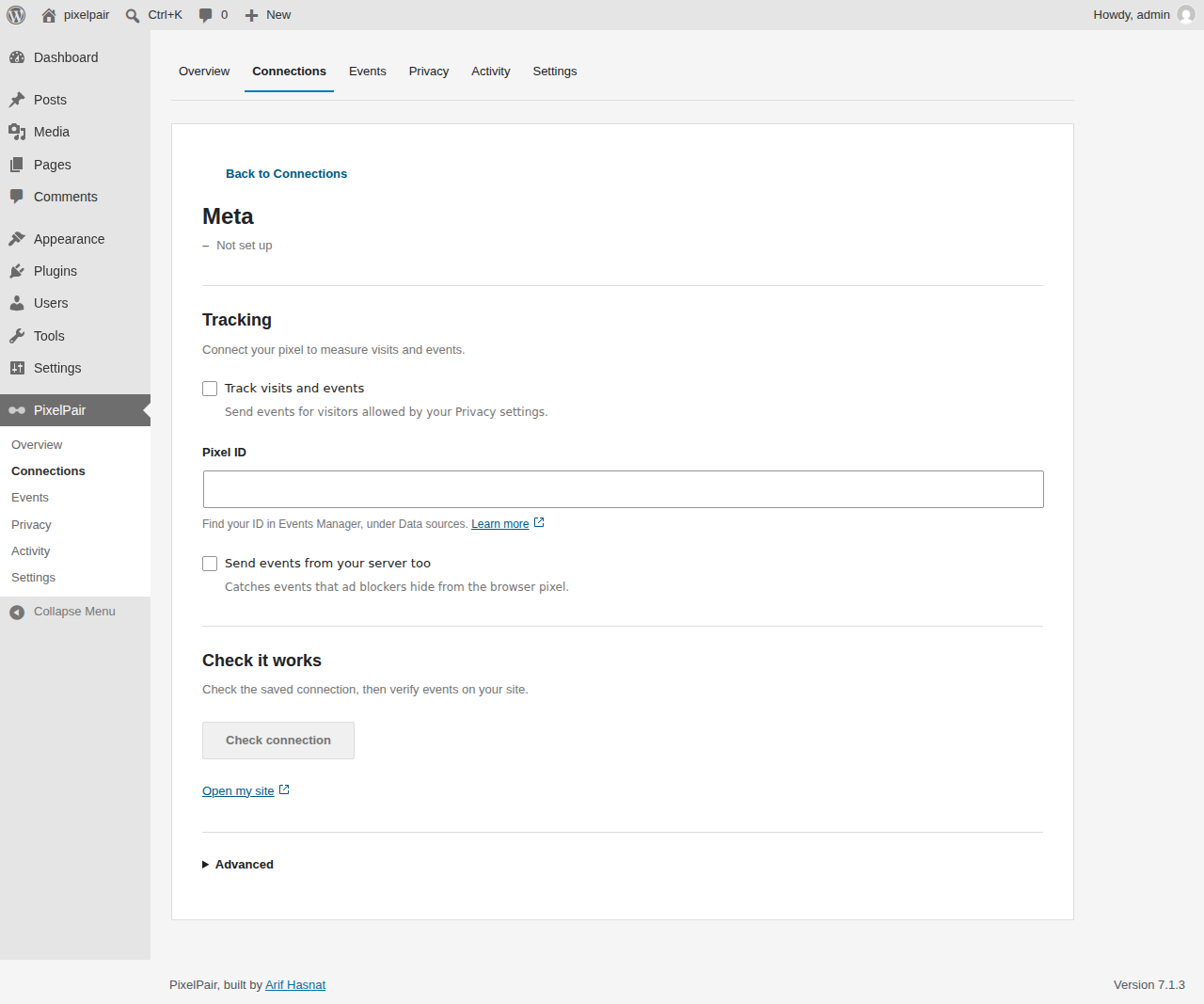
Google Analytics
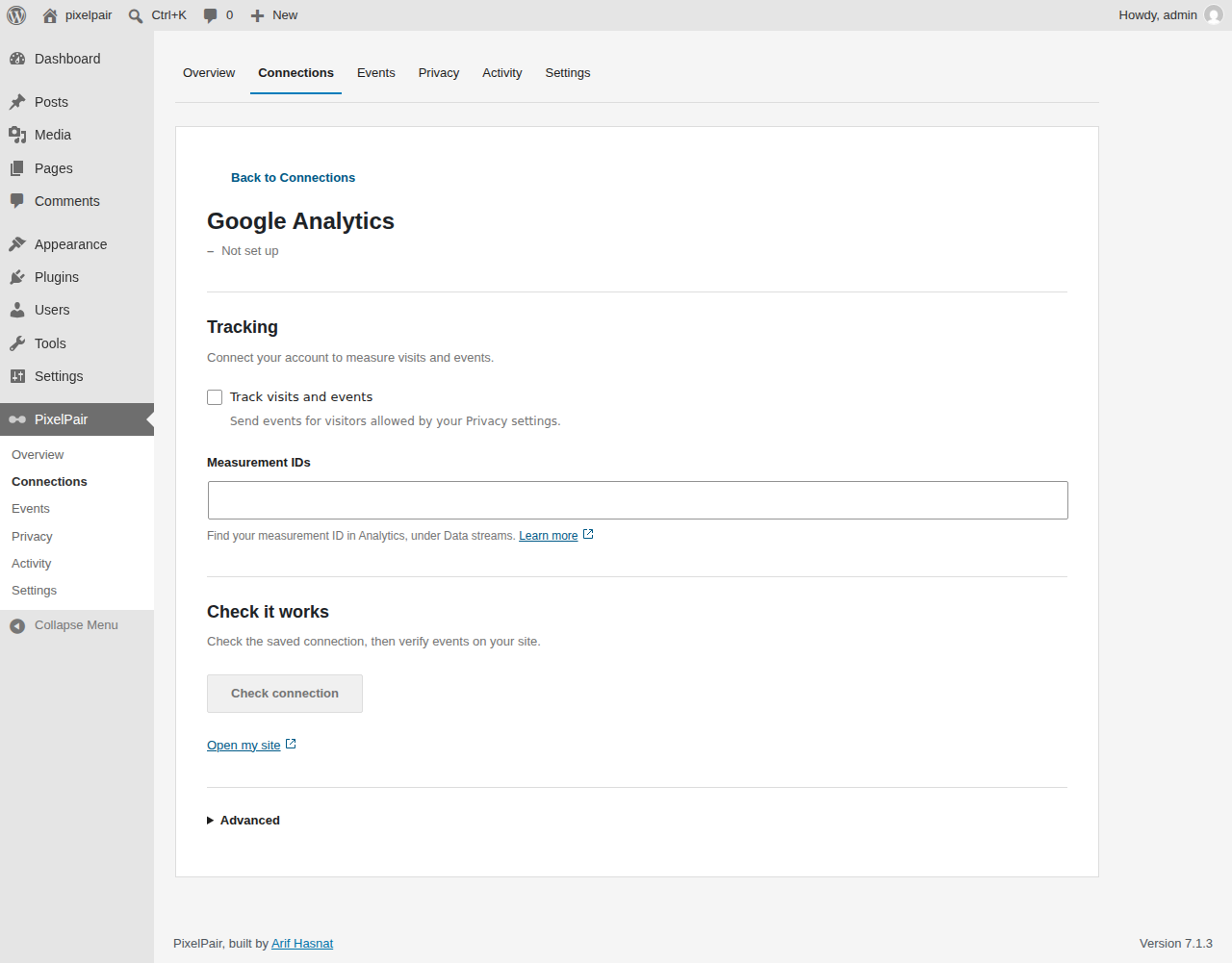
Tag Manager
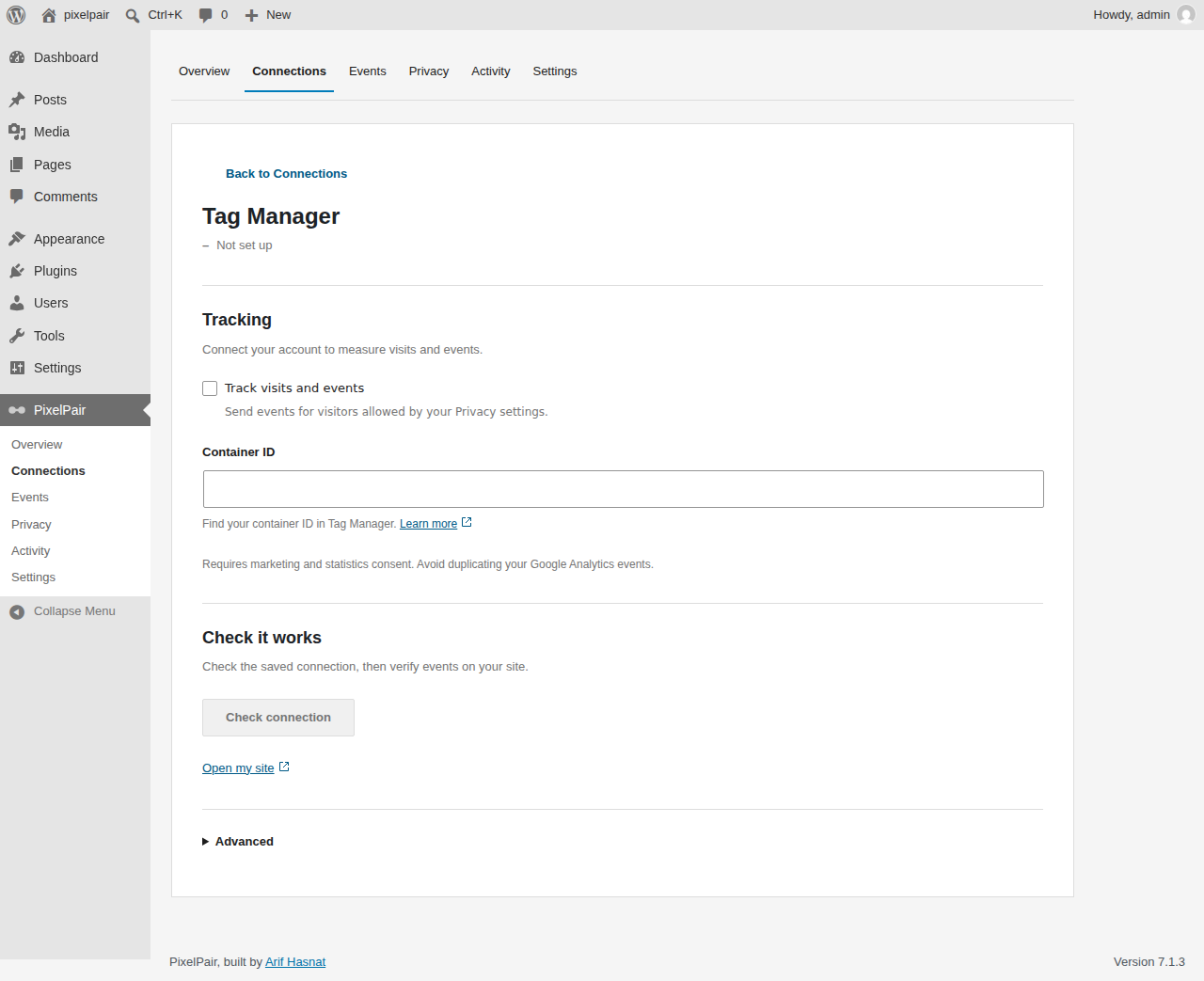
TikTok
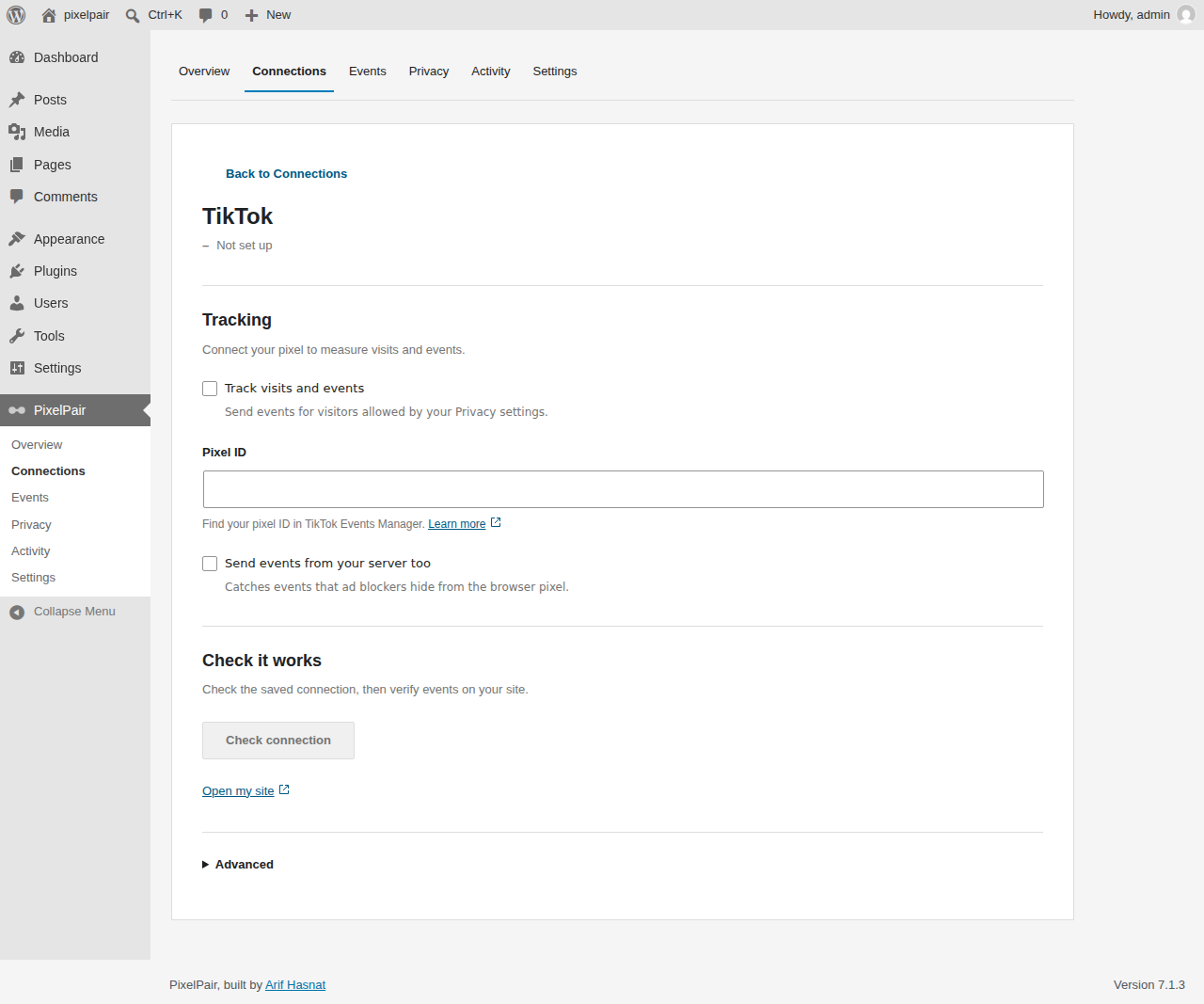
Automatic events
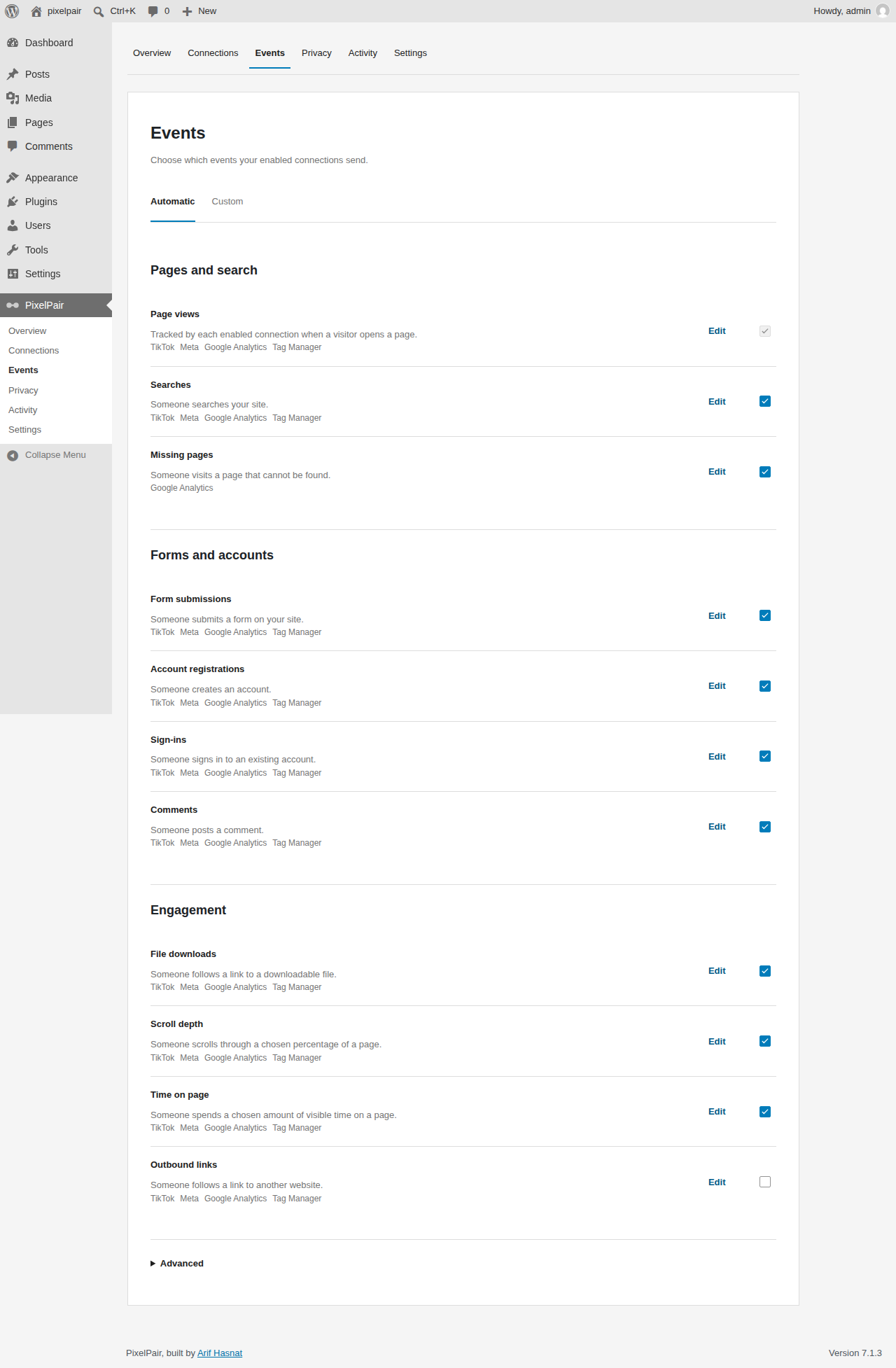
Automatic event details
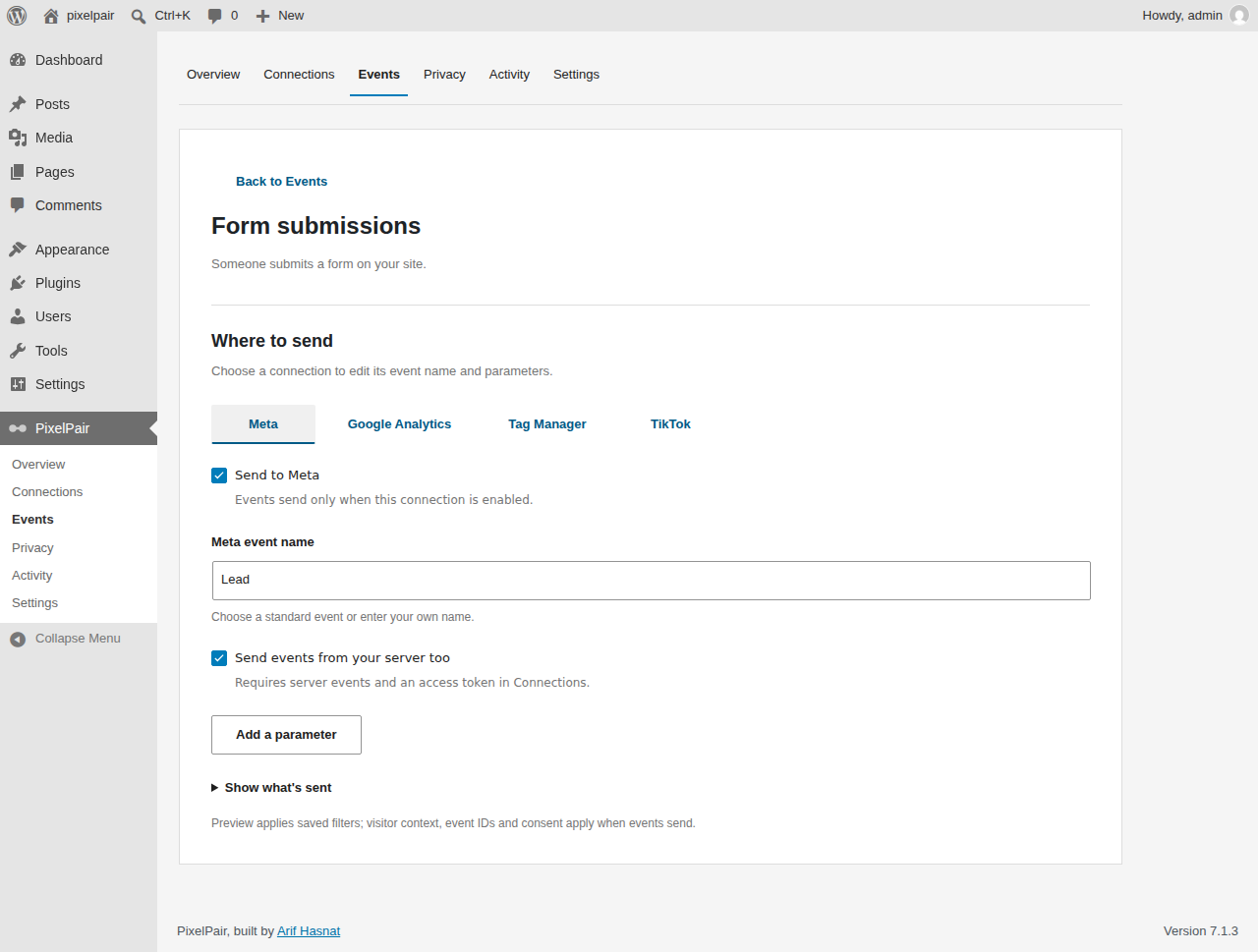
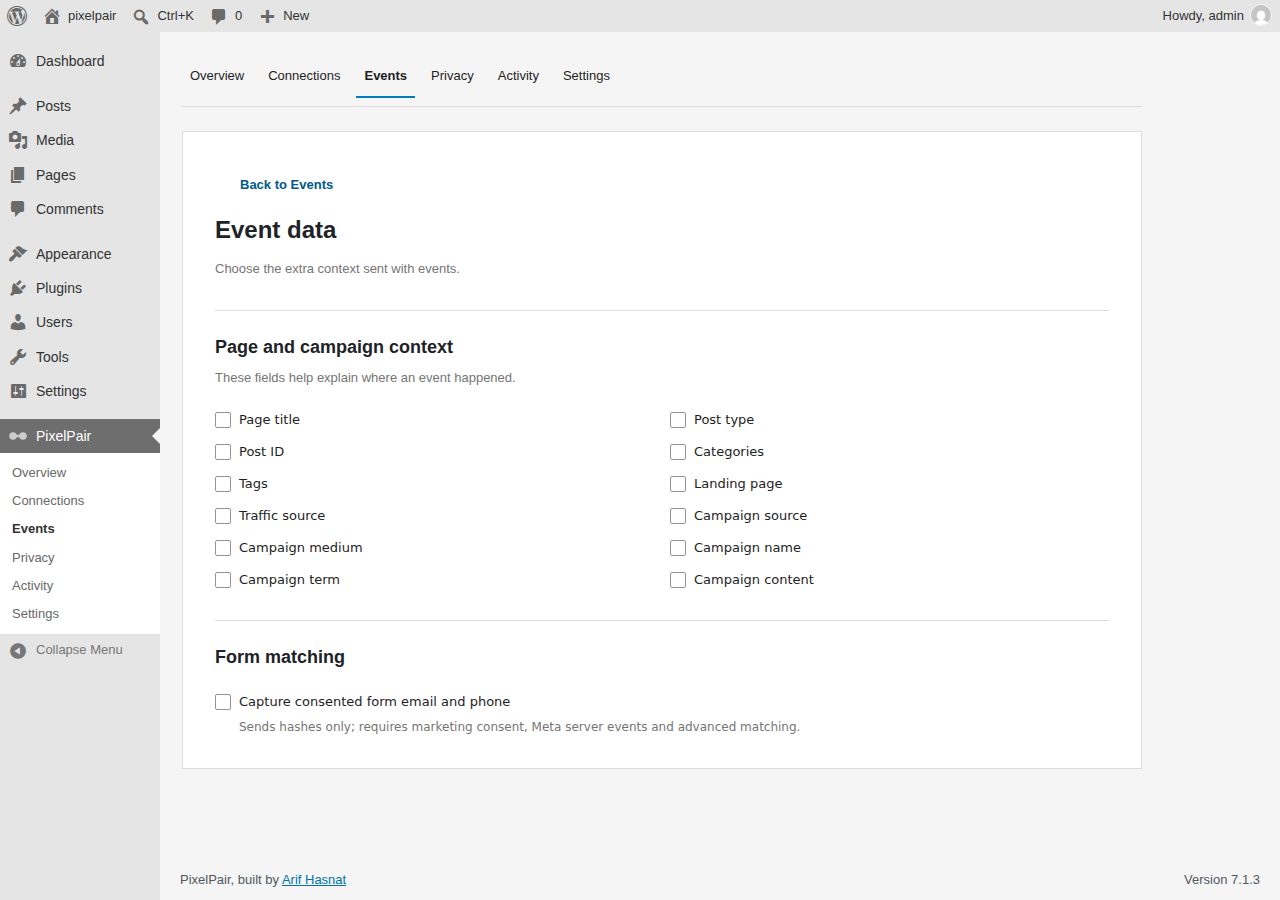
Event data
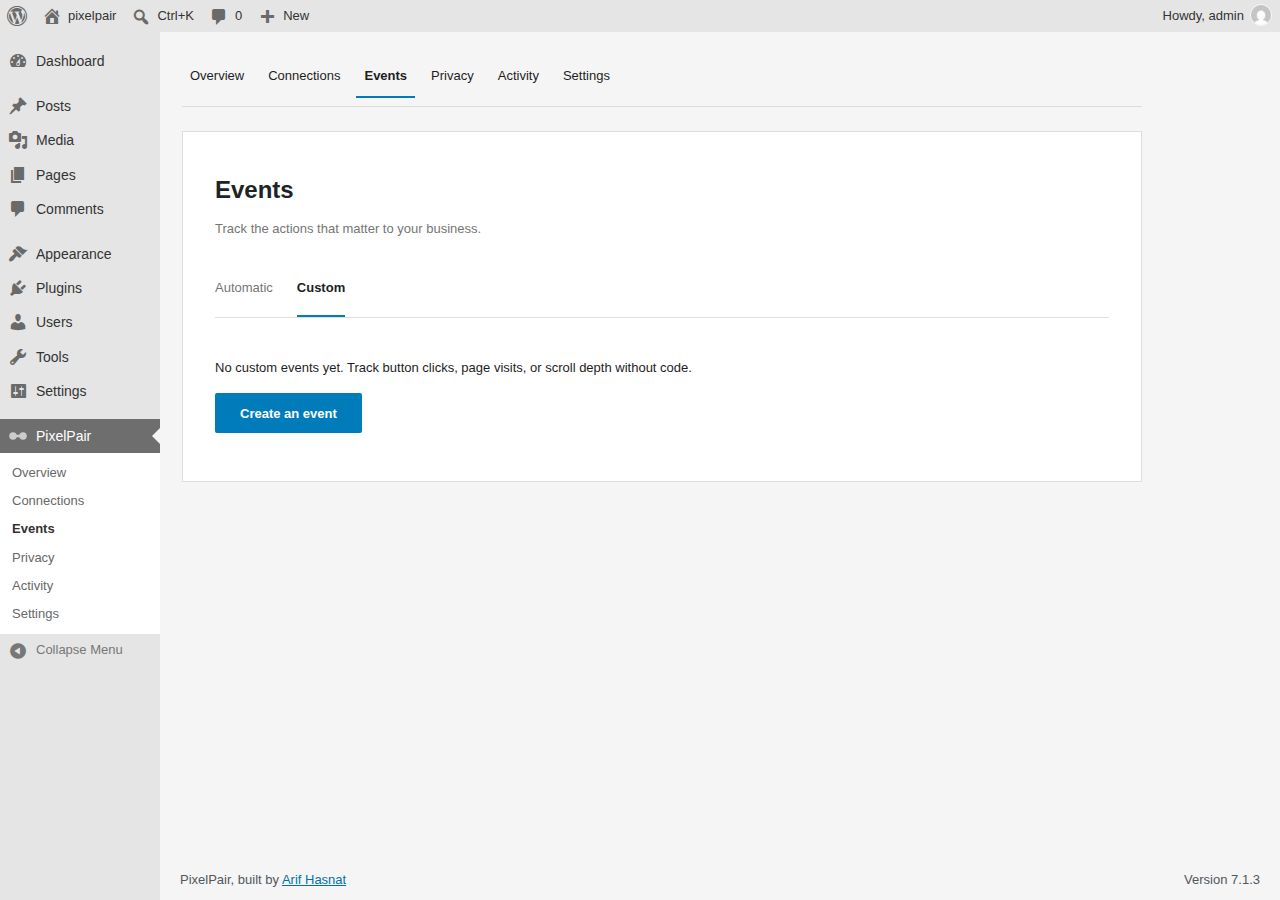
Custom events
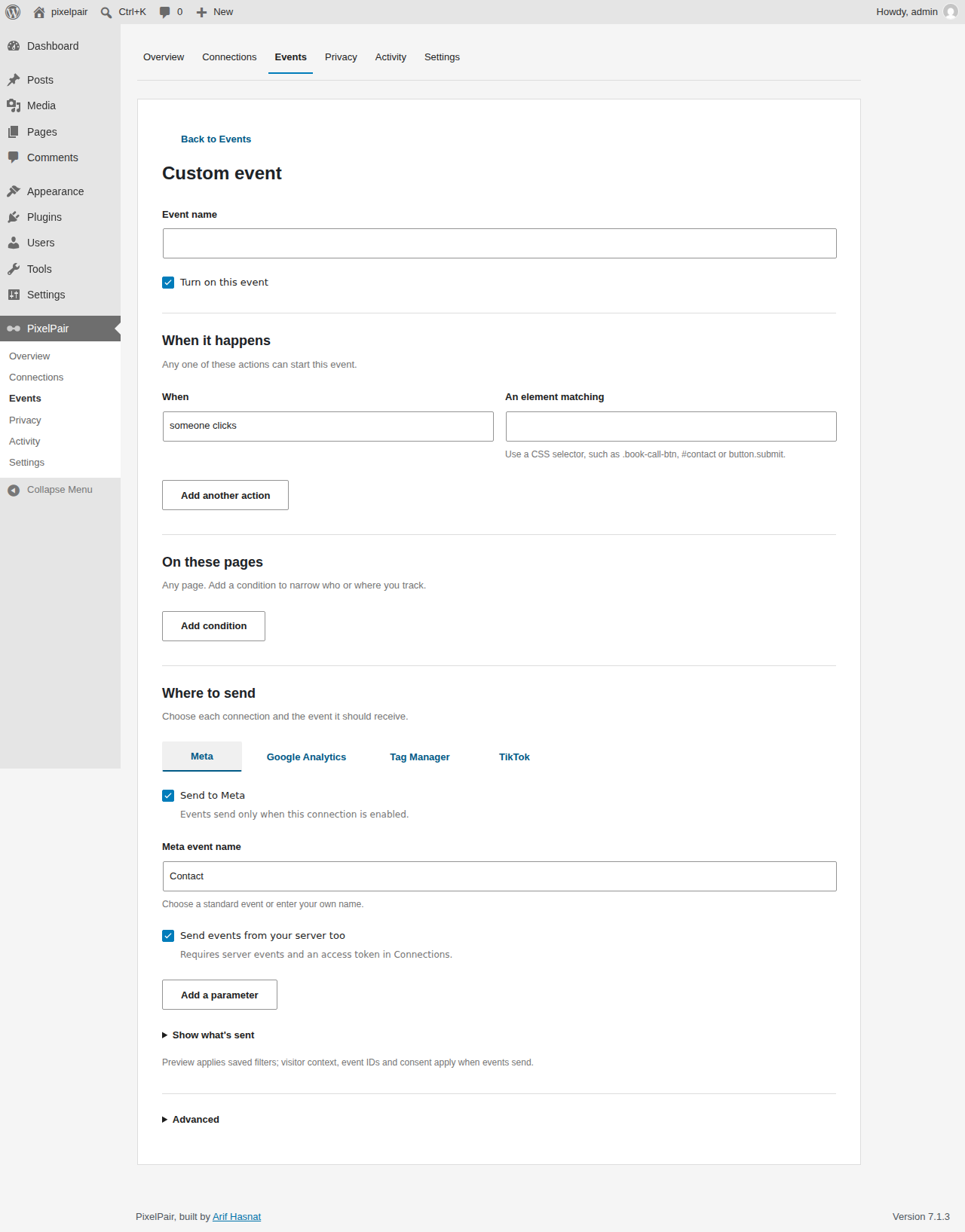
Custom event builder
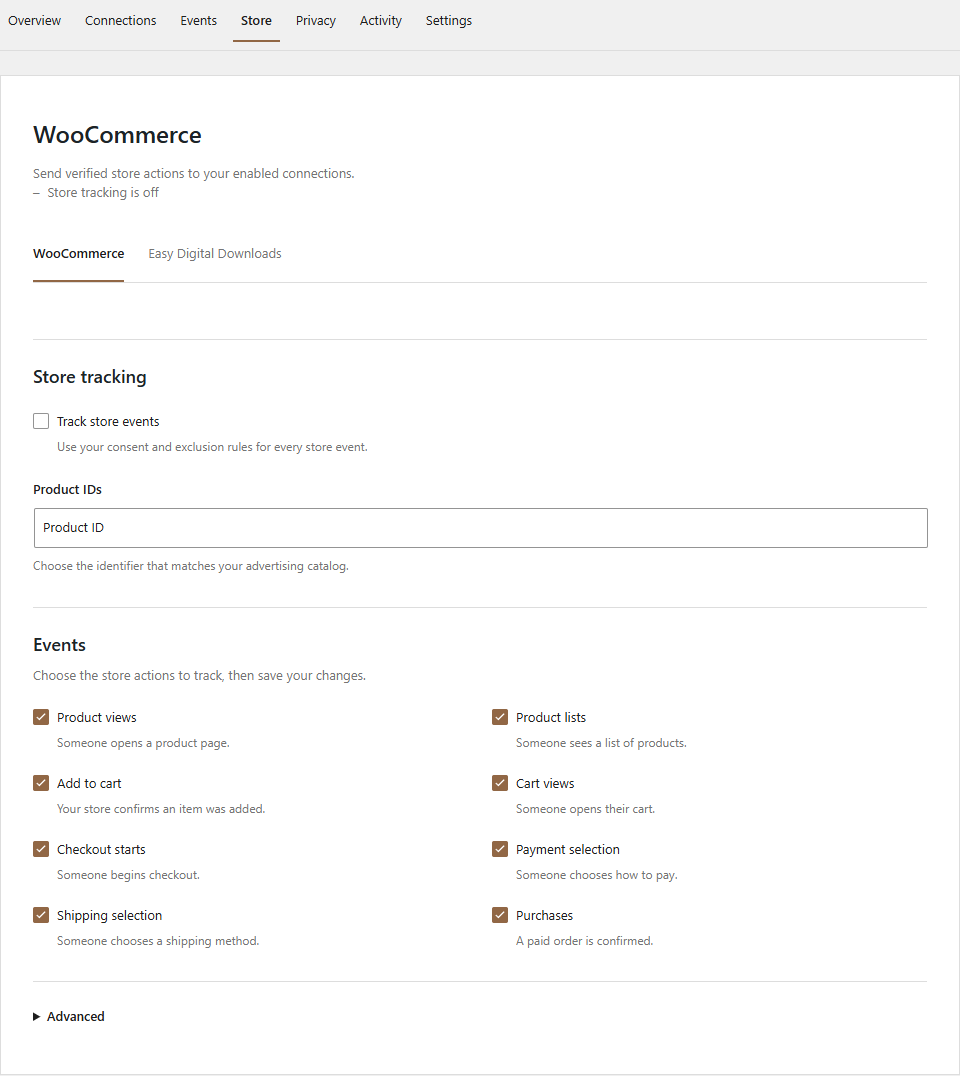
WooCommerce
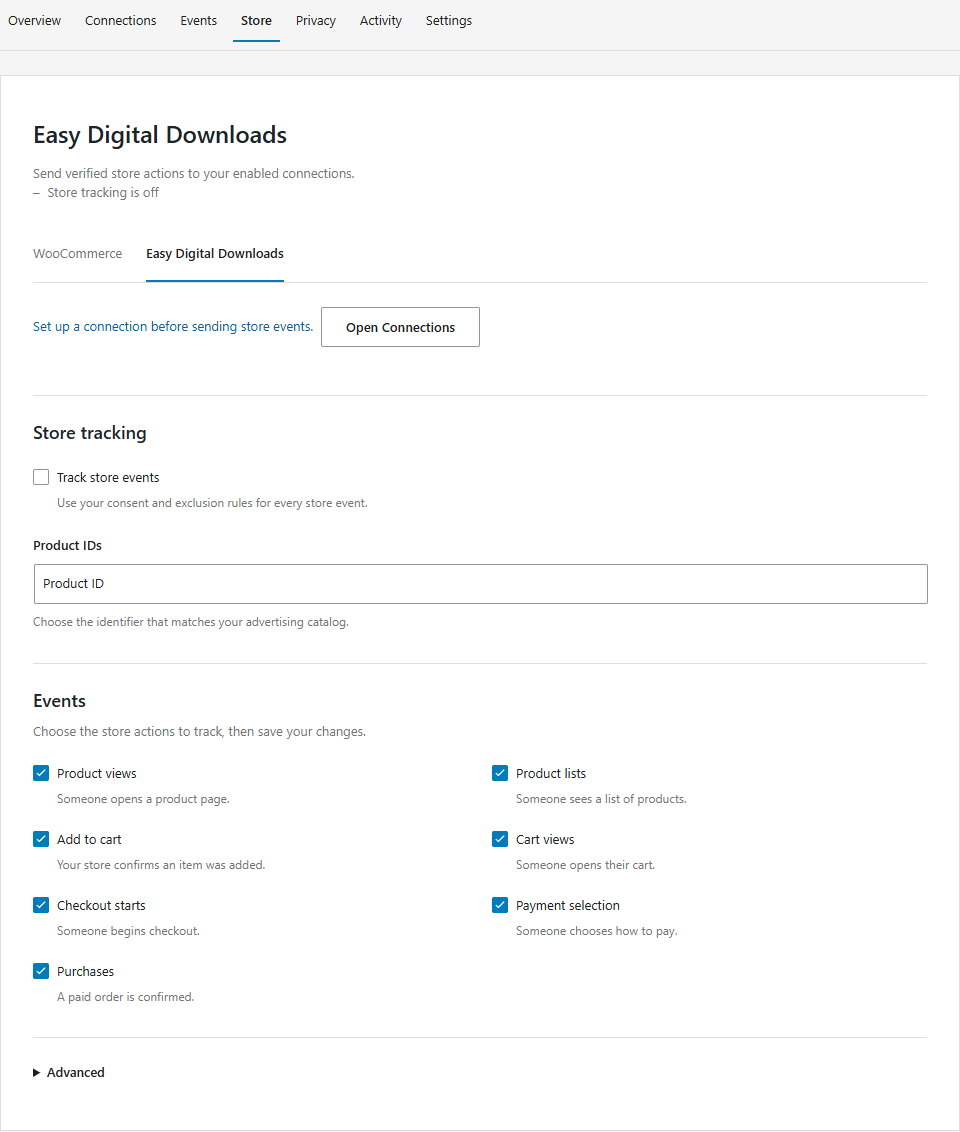
Easy Digital Downloads
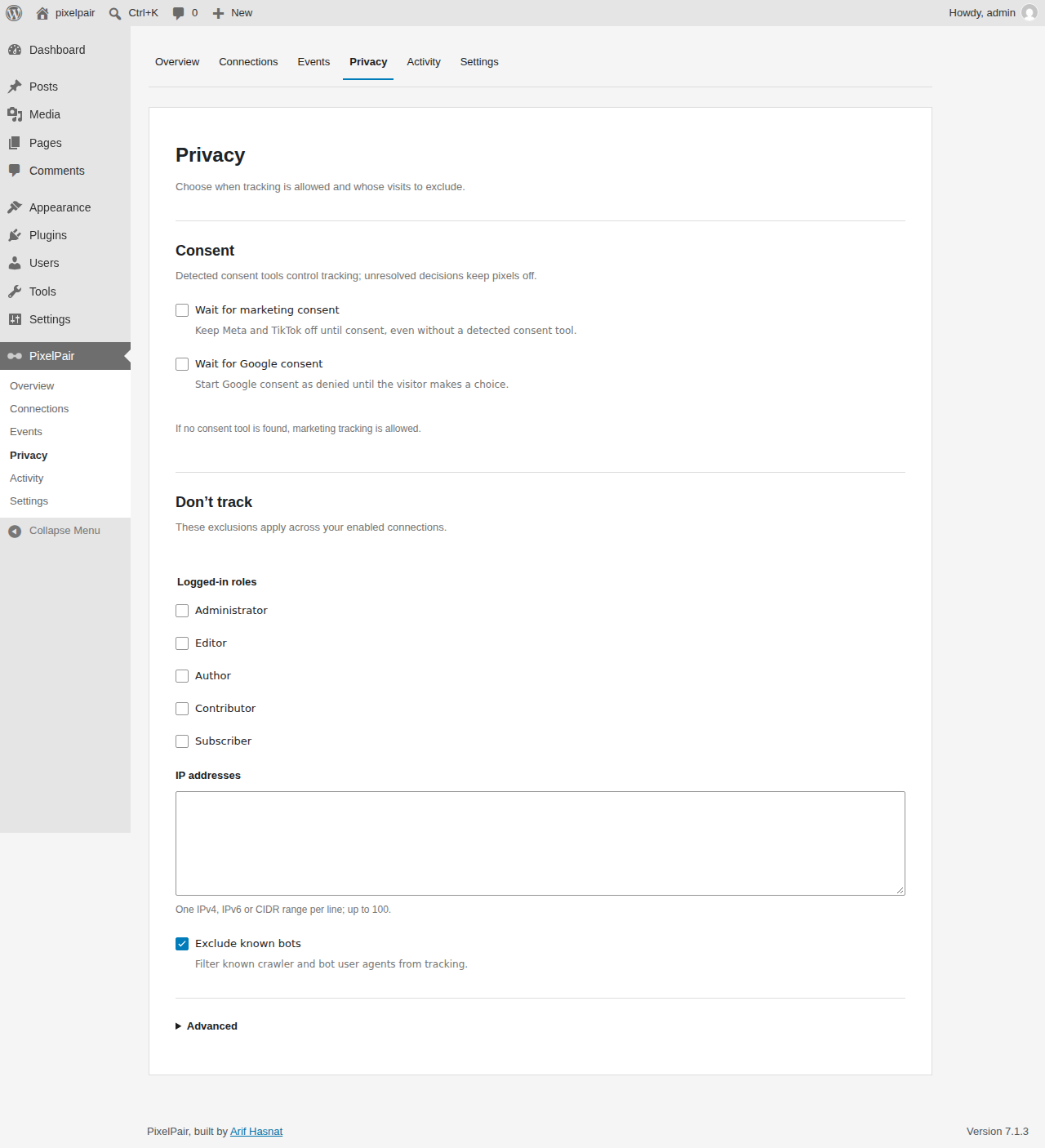
Privacy
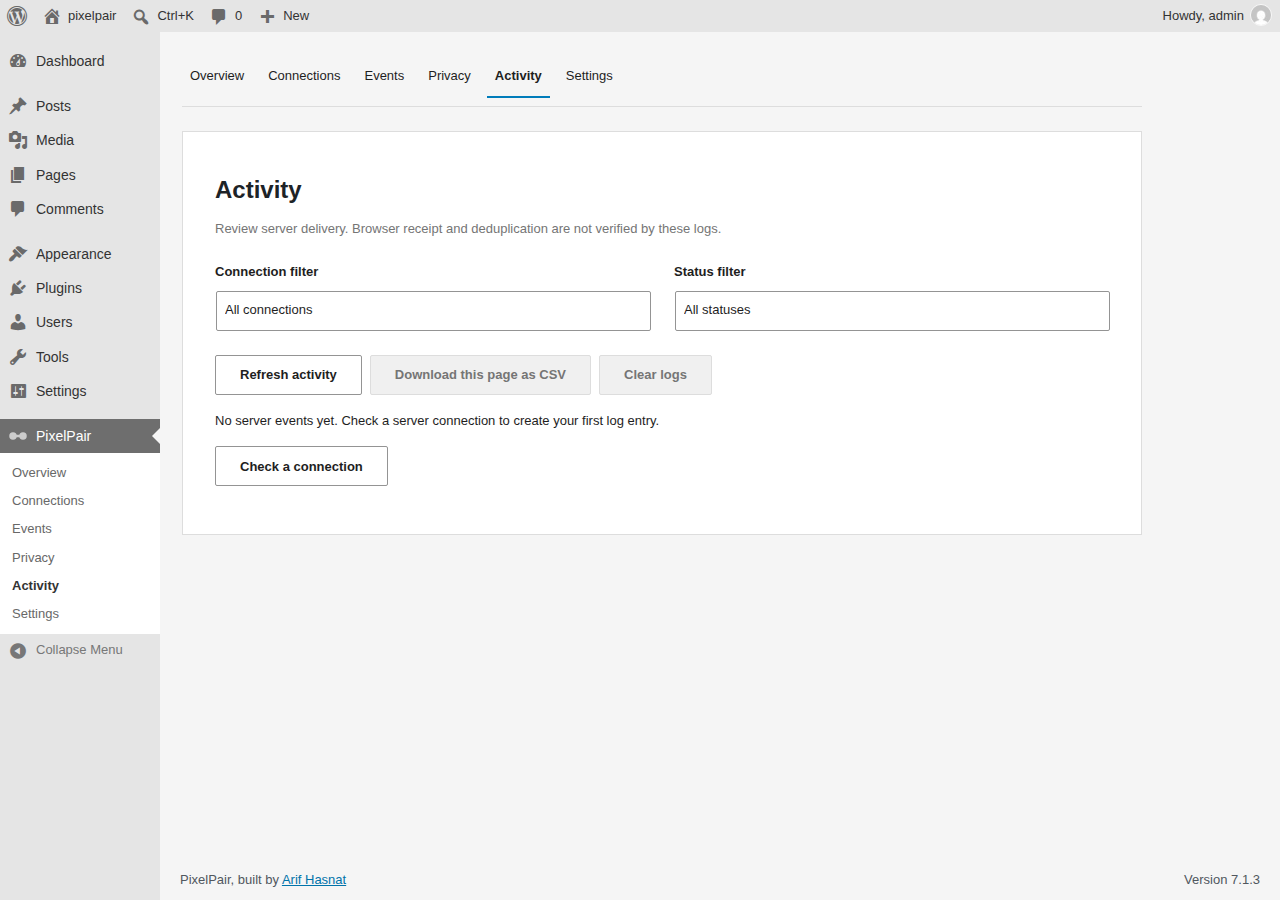
Activity
Redacted activity details
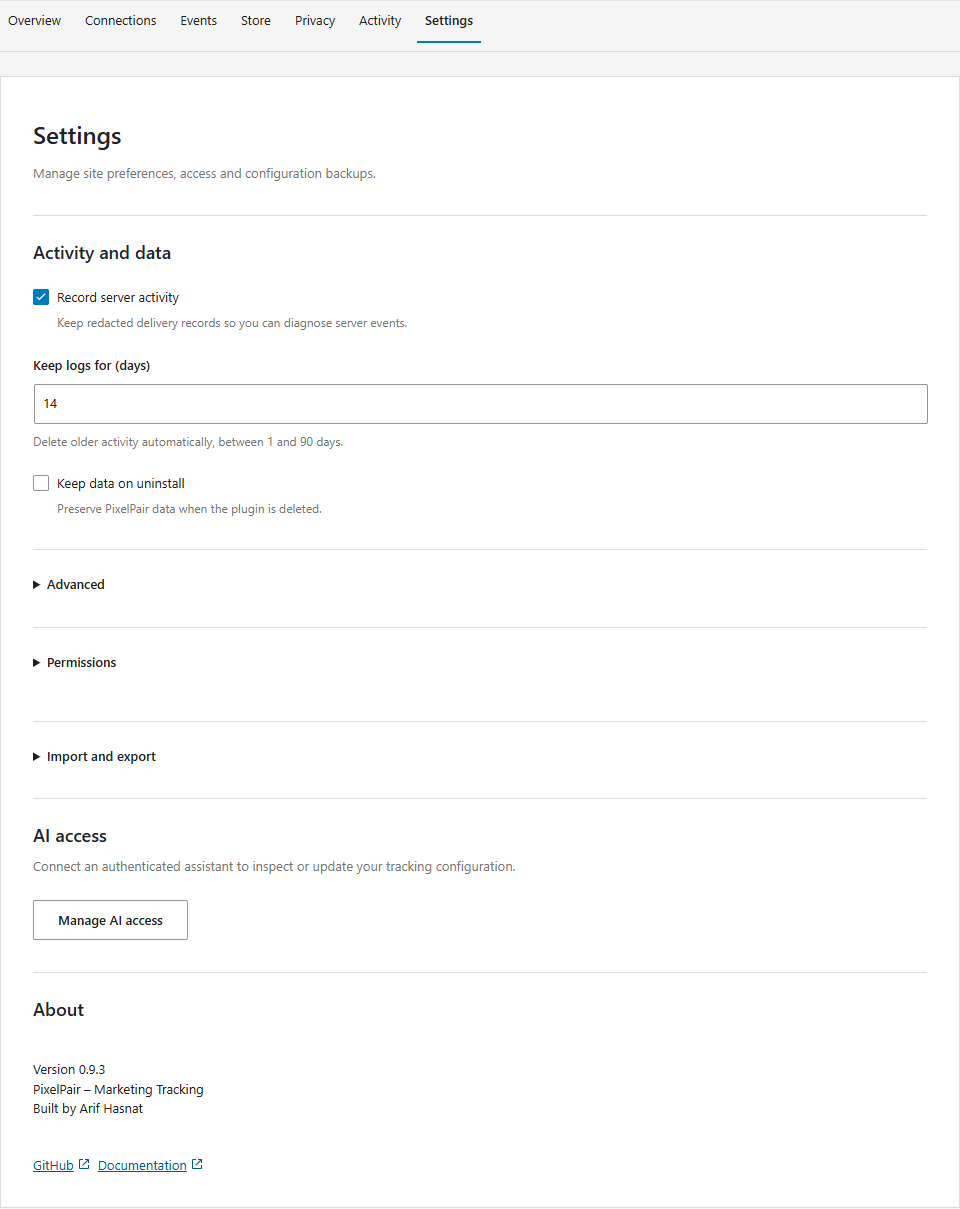
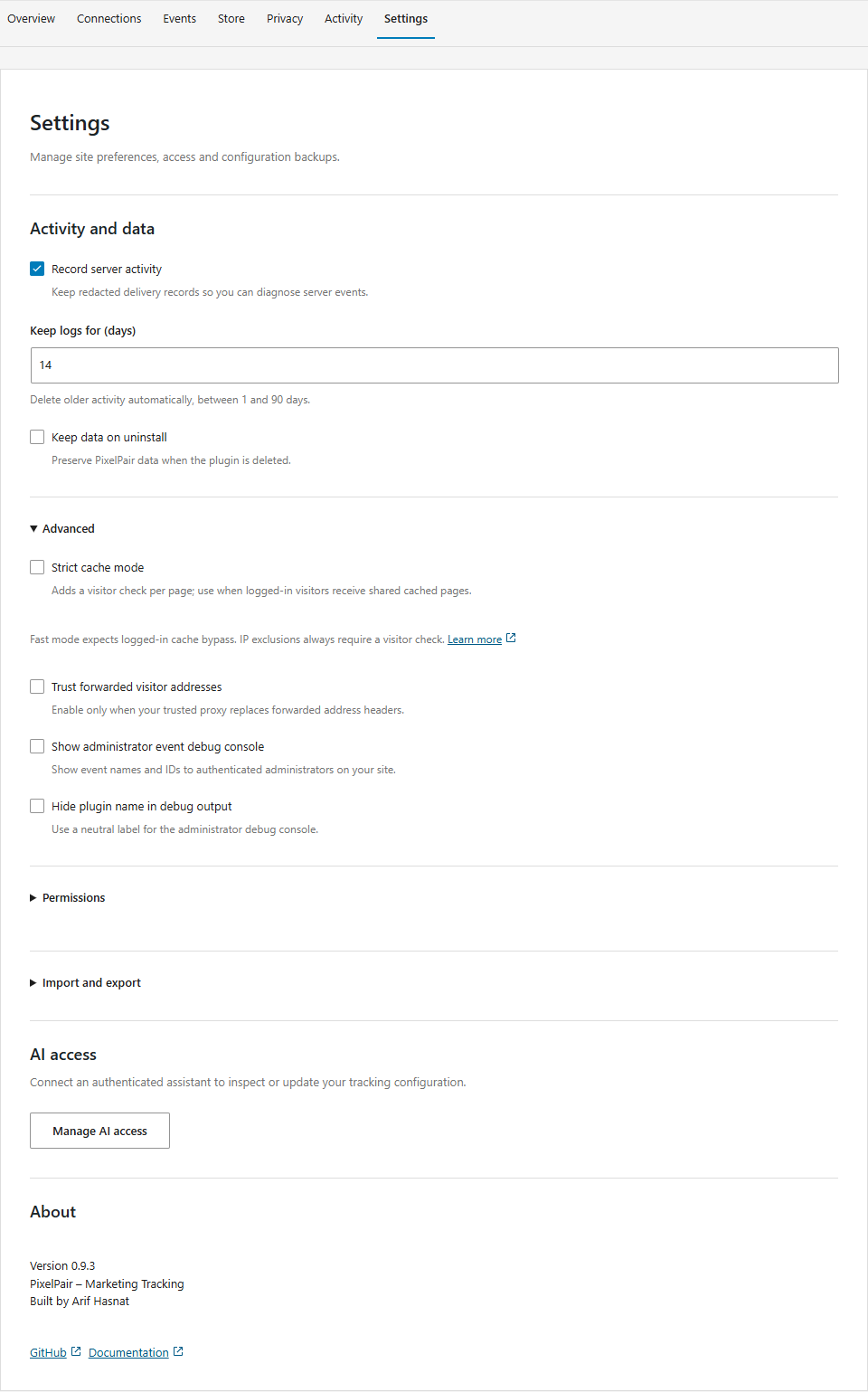
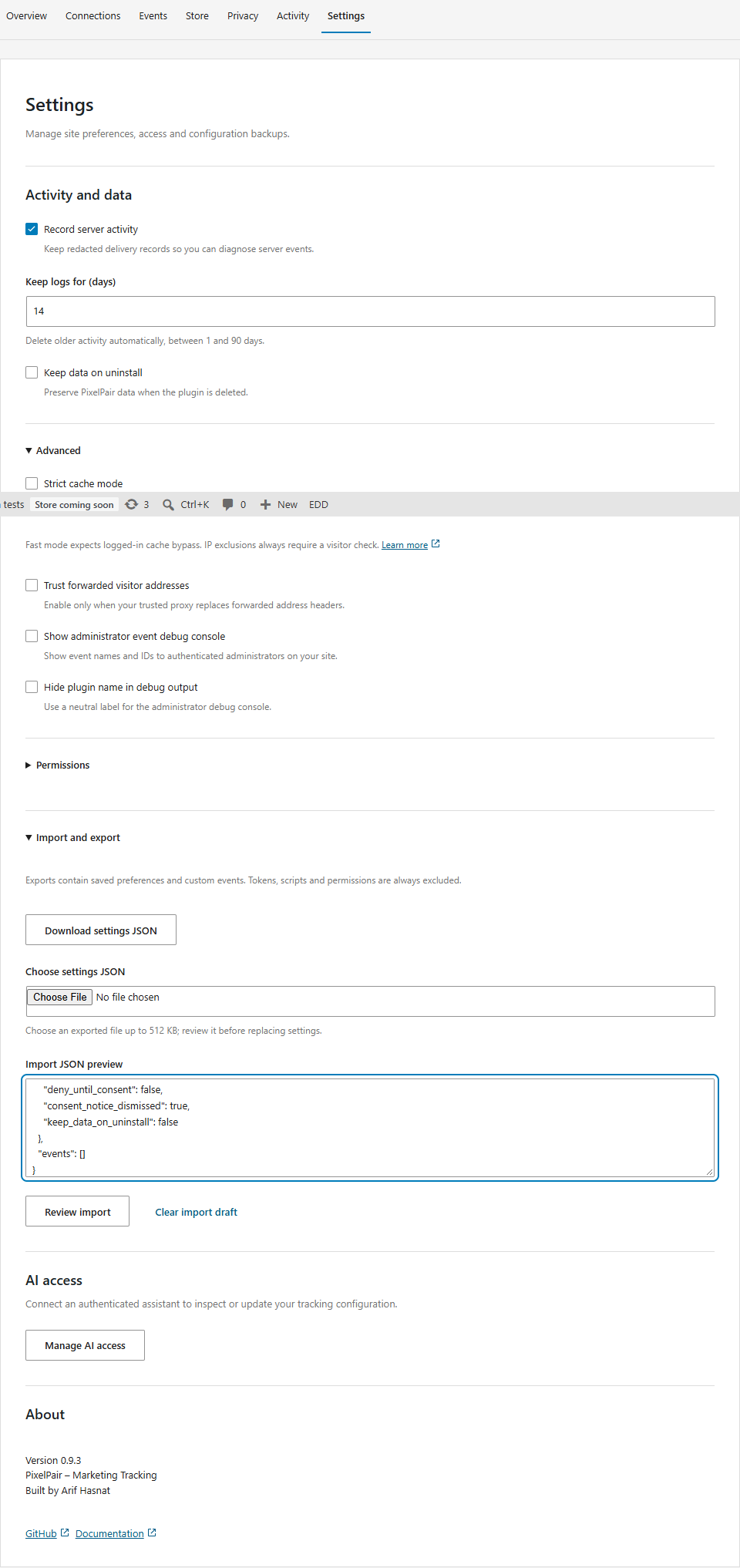
Settings
Advanced settings
Import and export
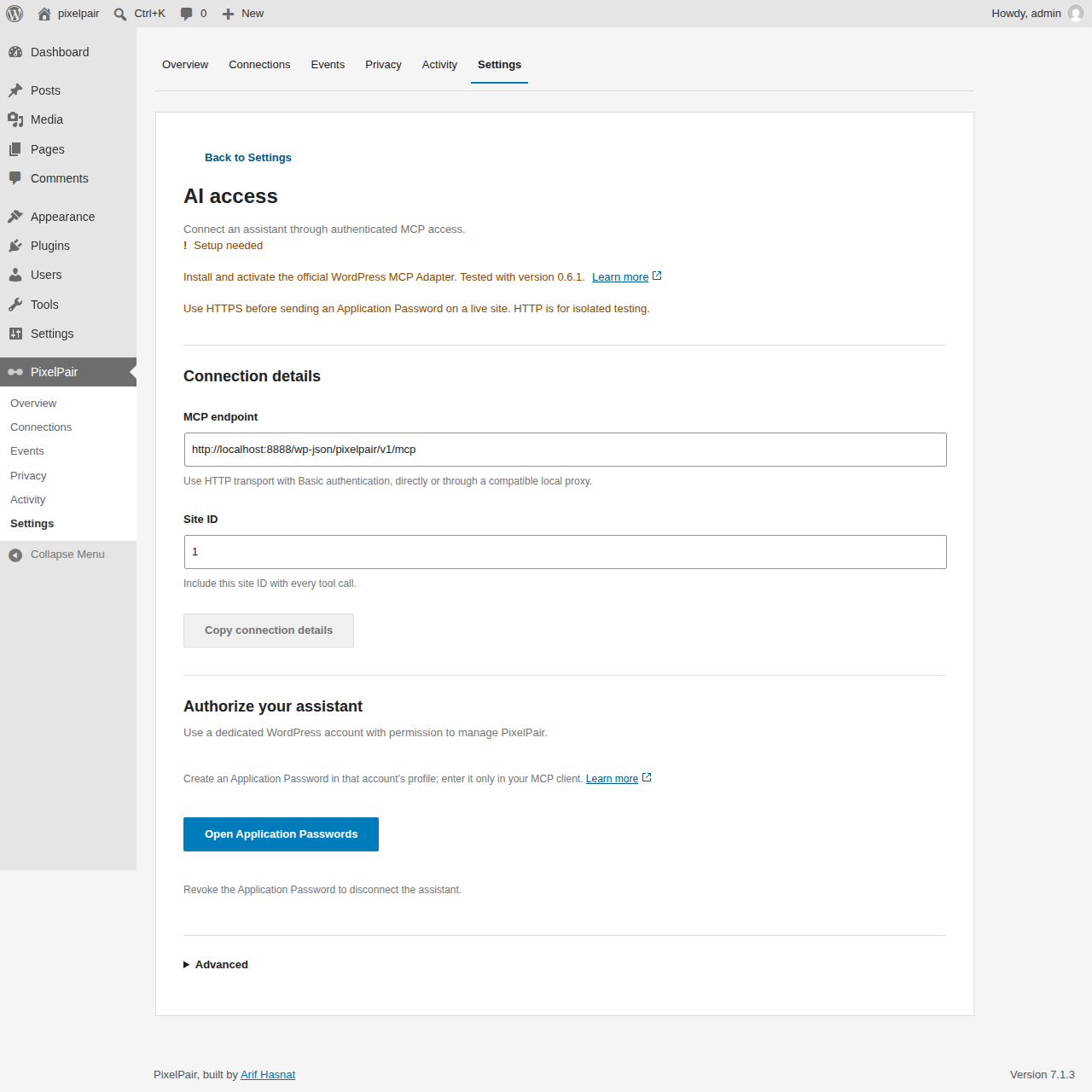
AI access
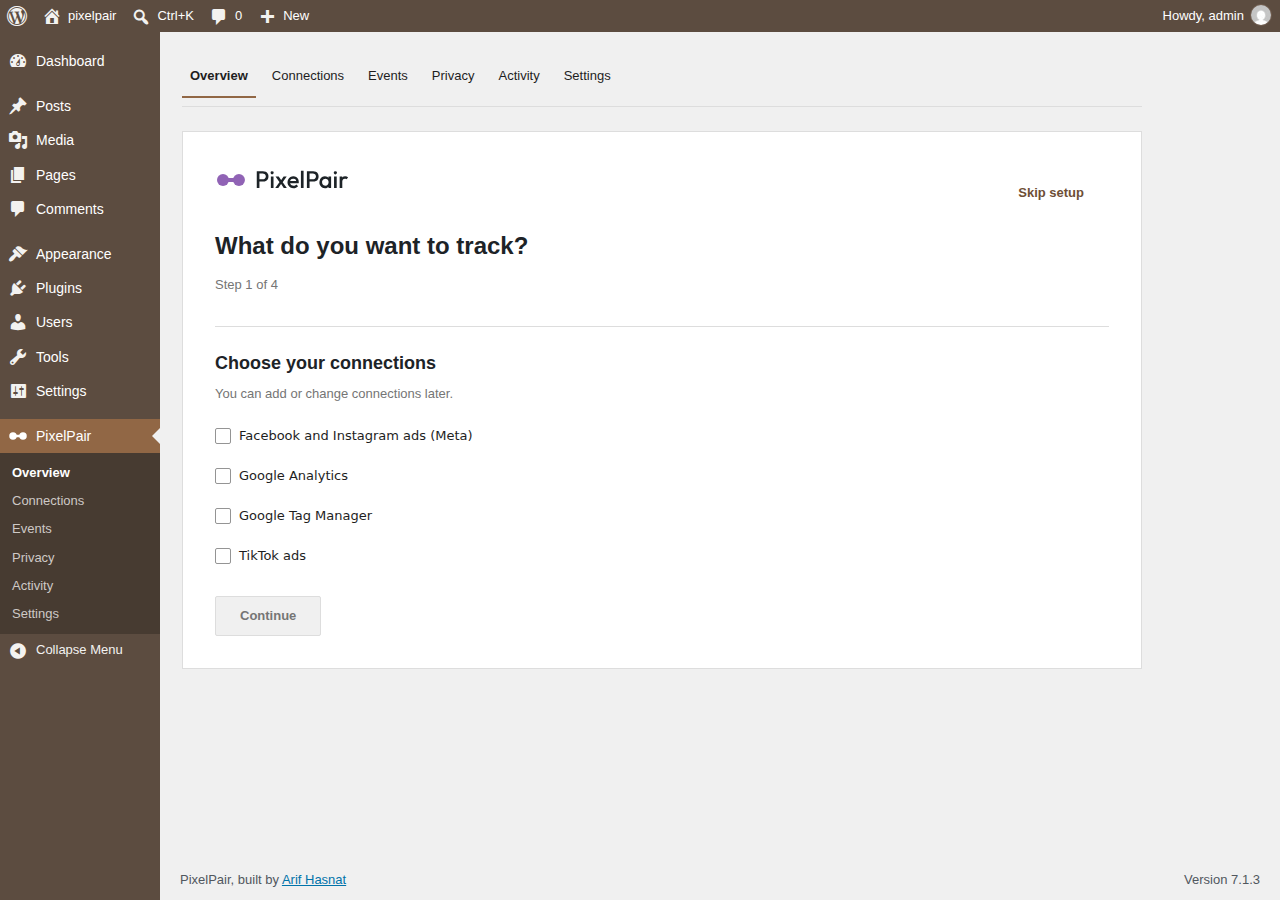
Setup: choose platforms
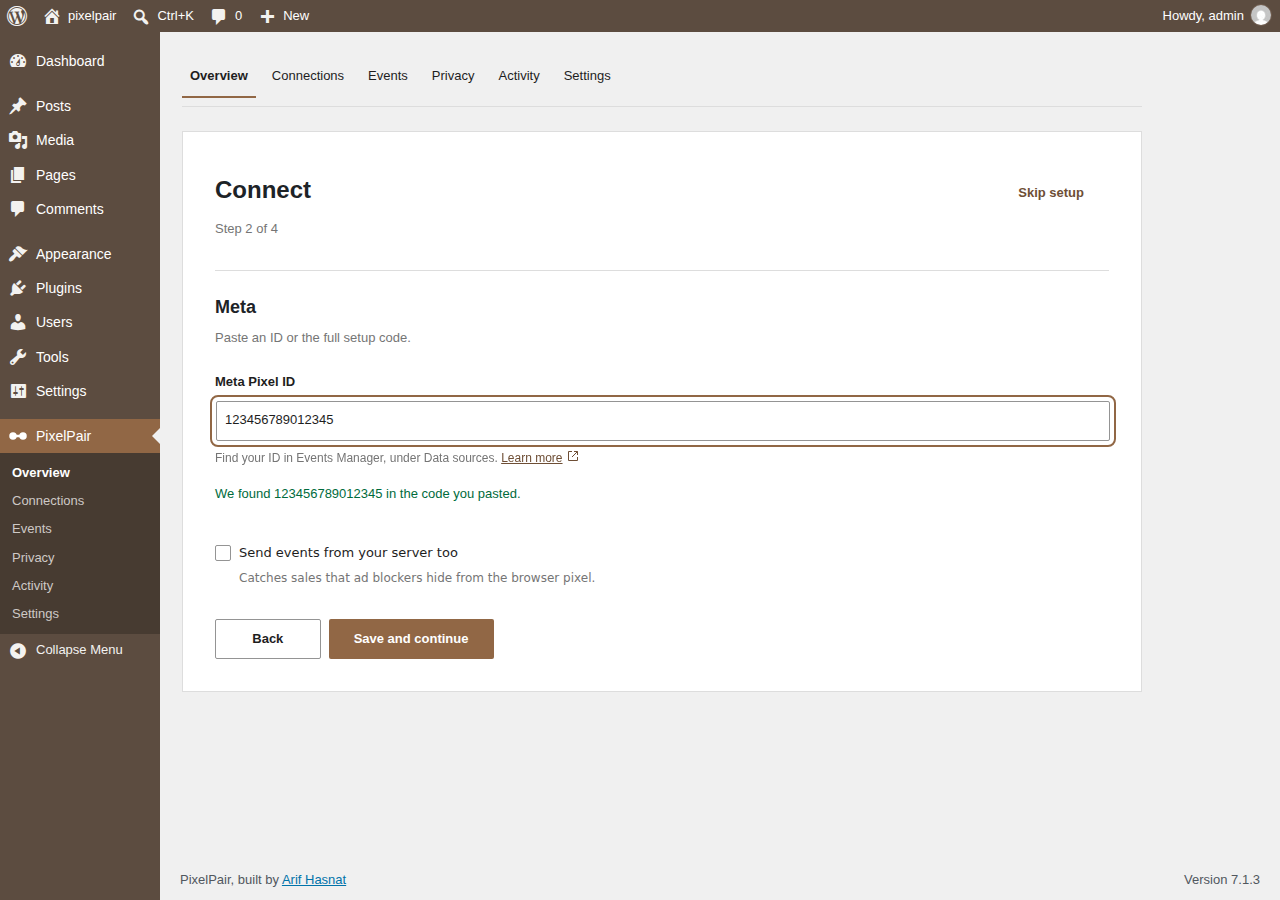
Setup: connect
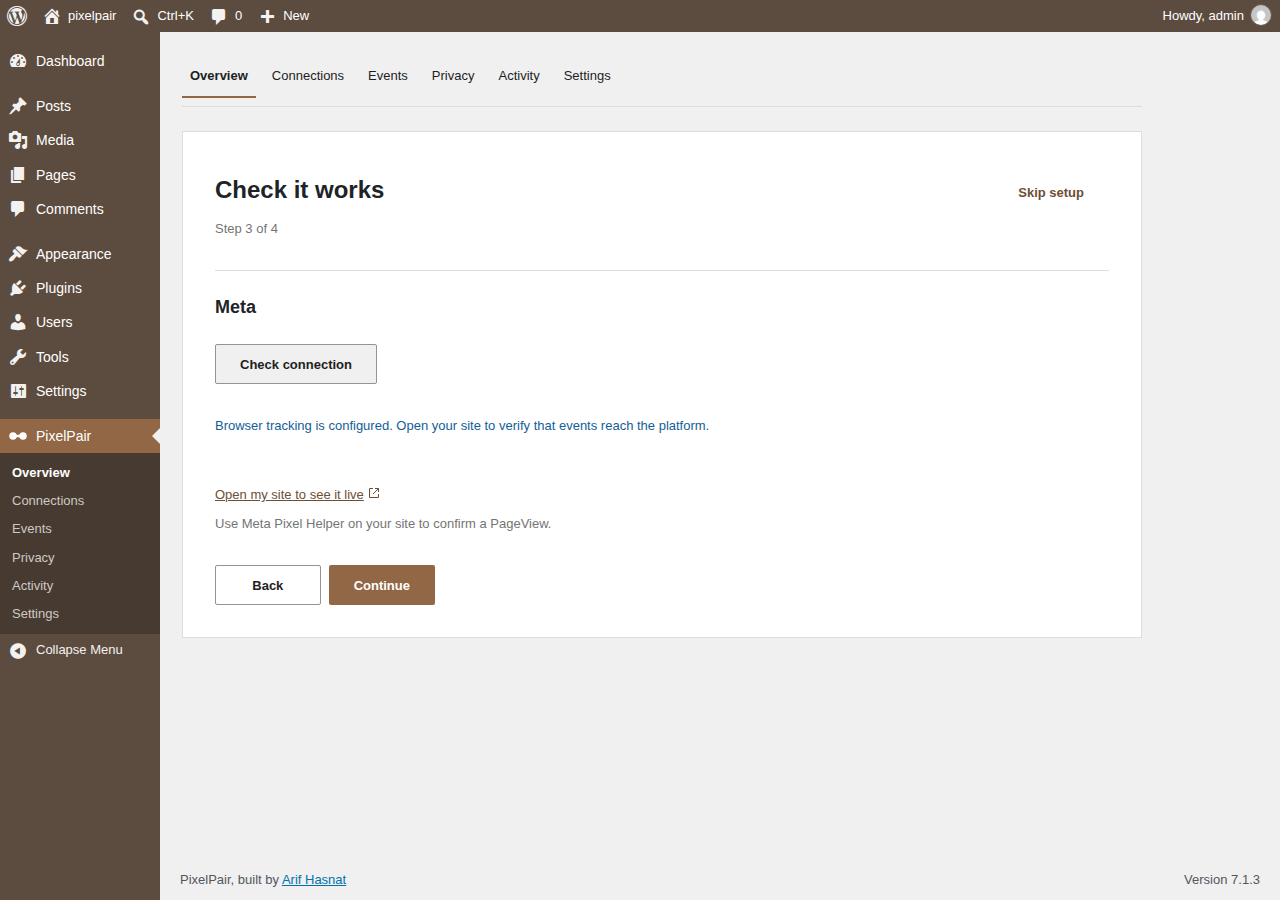
Setup: check
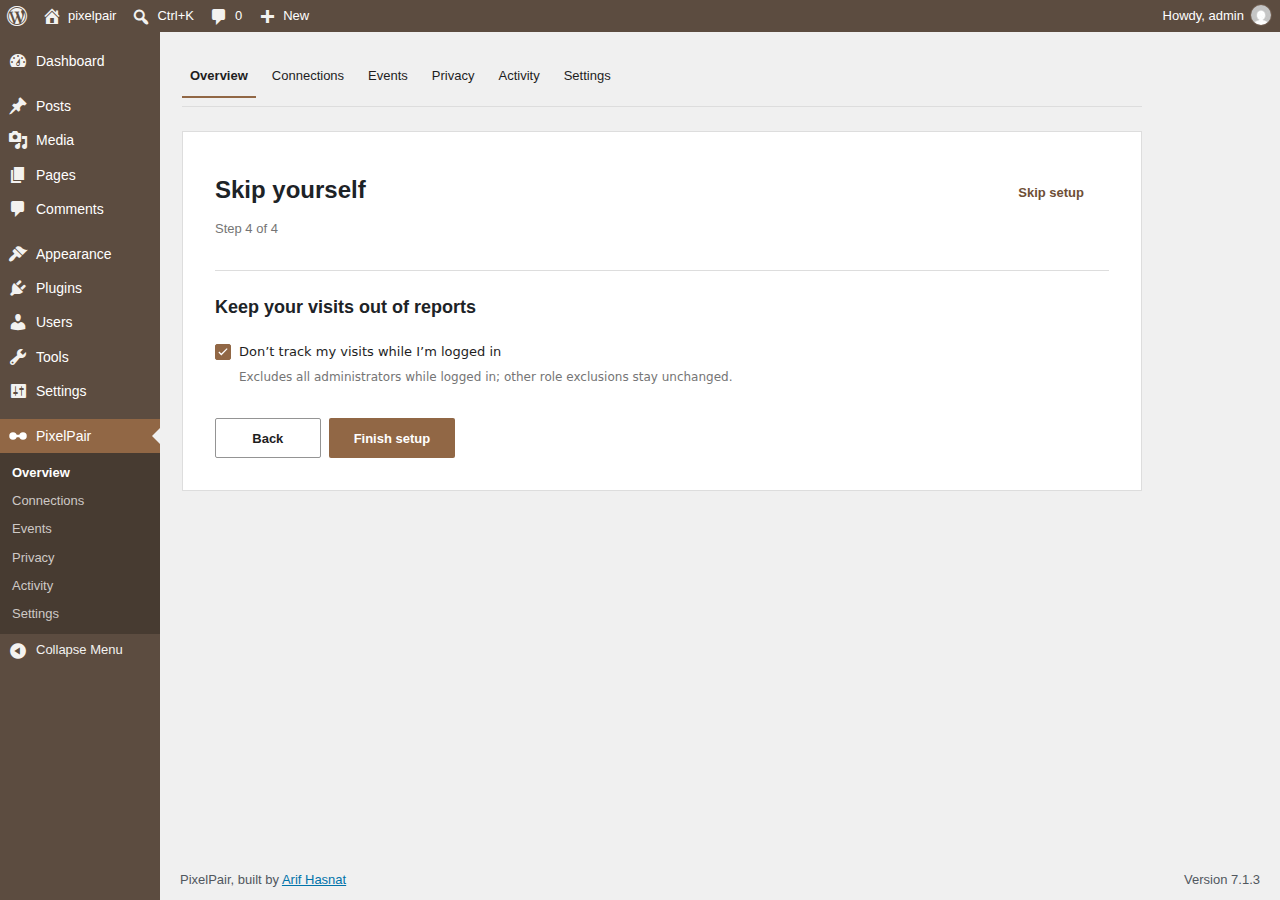
Setup: exclude yourself
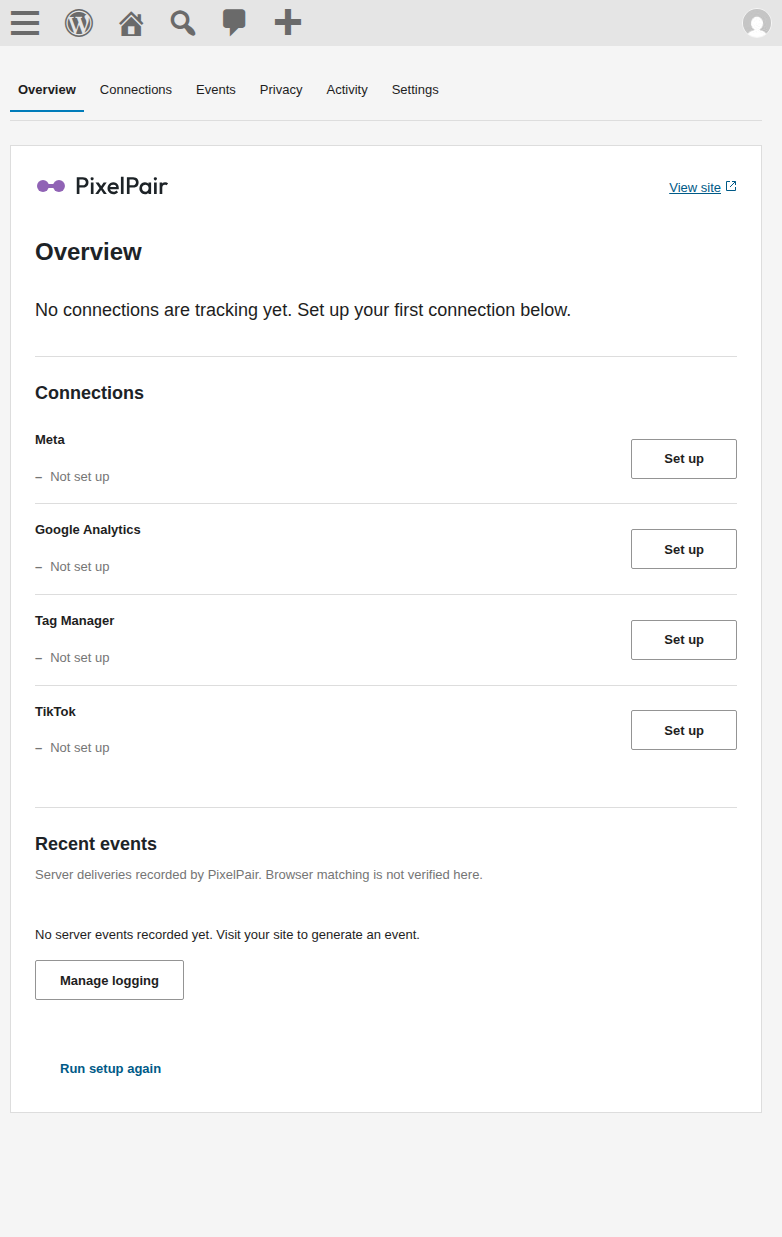
Overview at 782 pixels
Brand assets
The brand directory contains the mark, horizontal wordmark, monochrome variants and a size/background preview. WordPress.org icons and banners are in .wordpress-org. These assets describe the project; they do not imply approval by WordPress.org or an advertising platform.
Regenerate assets with npm run brand. The source font and its OFL license are retained in brand/fonts/; the font is not loaded by the admin or included in the installation ZIP.