Activity
Open PixelPair → Activity to inspect recent server delivery attempts. Logging must be enabled for new entries to appear. Choose a retention period under Settings → Advanced, and keep it only as long as needed for diagnosis.
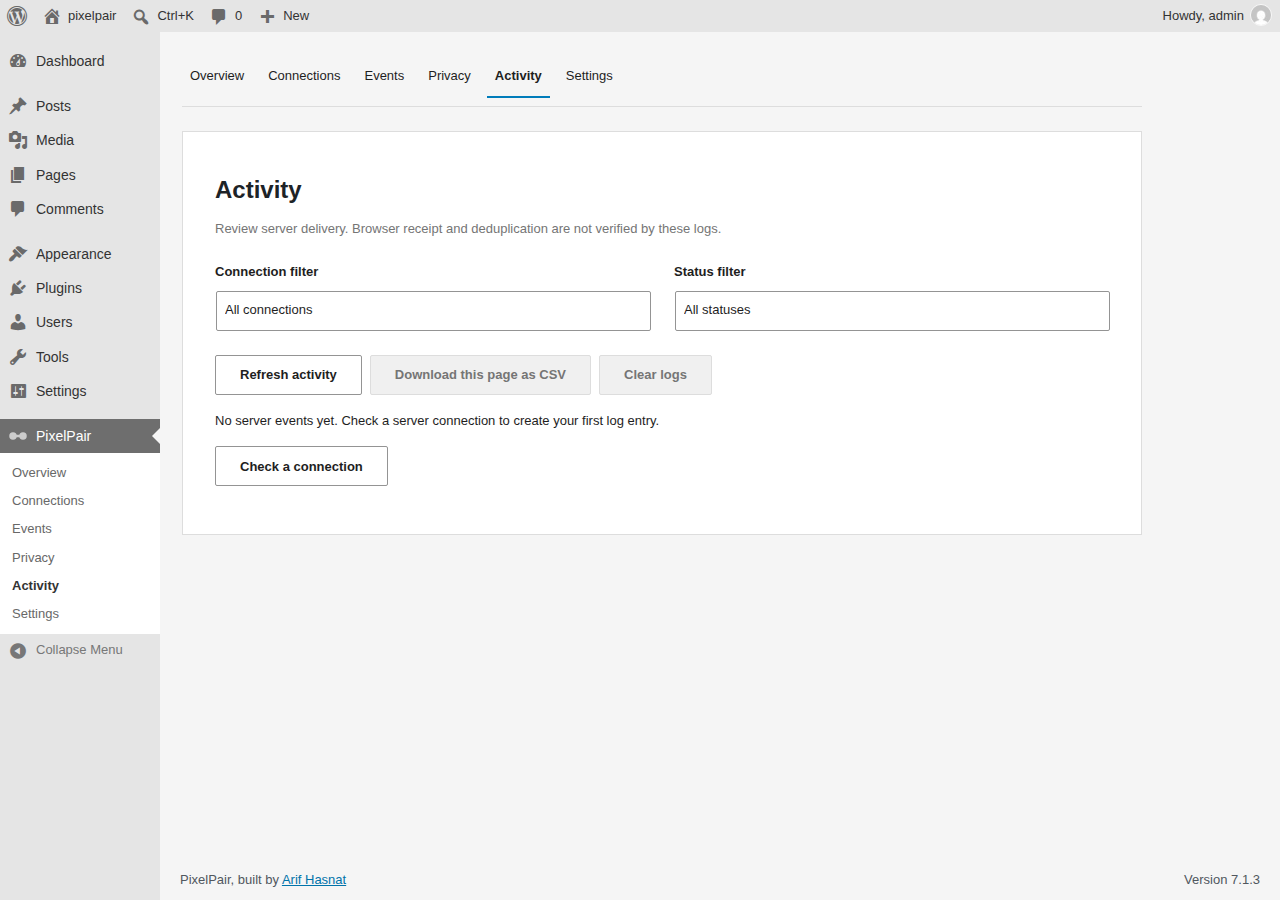
Filter by platform, status and time range. Expand an entry to inspect the redacted request and response. A failed delivery includes the available platform error; check the connection's ID and token before retrying a test.
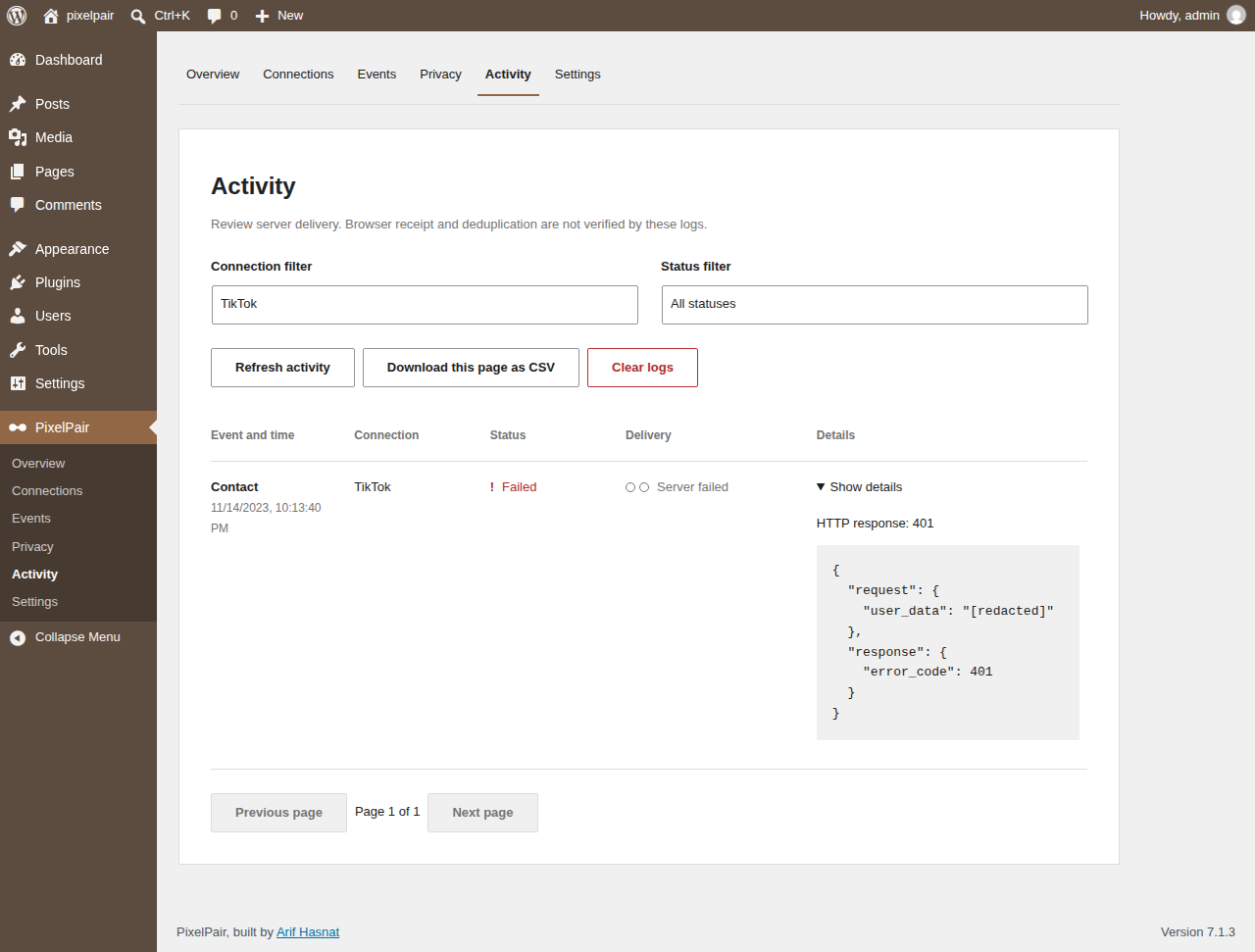
Activity reports server delivery attempts. It cannot establish that a browser event arrived or that an advertising platform deduplicated it. Verify those outcomes in the platform's own event manager.
To diagnose missing browser events, follow Troubleshooting. PixelPair loads each enabled platform through its connection settings; it does not include an arbitrary header or footer script editor.